Open source · Linux native

Instant replay for Linux.

Press one key to save the last 15 seconds of gameplay. No scenes, no setup, no upload.

  • Under 1% CPU while recording
  • Works on every compositor and GPU
  • Free forever, no account
View on GitHub
F9 That is the whole workflow.

Install in one line

Arch · Manjaro · CachyOS · EndeavourOS

Ubuntu · Debian · Mint · Fedora · openSUSE

Installs the capture backend and starts clipping at login. Then press F9 in a game. That is it.

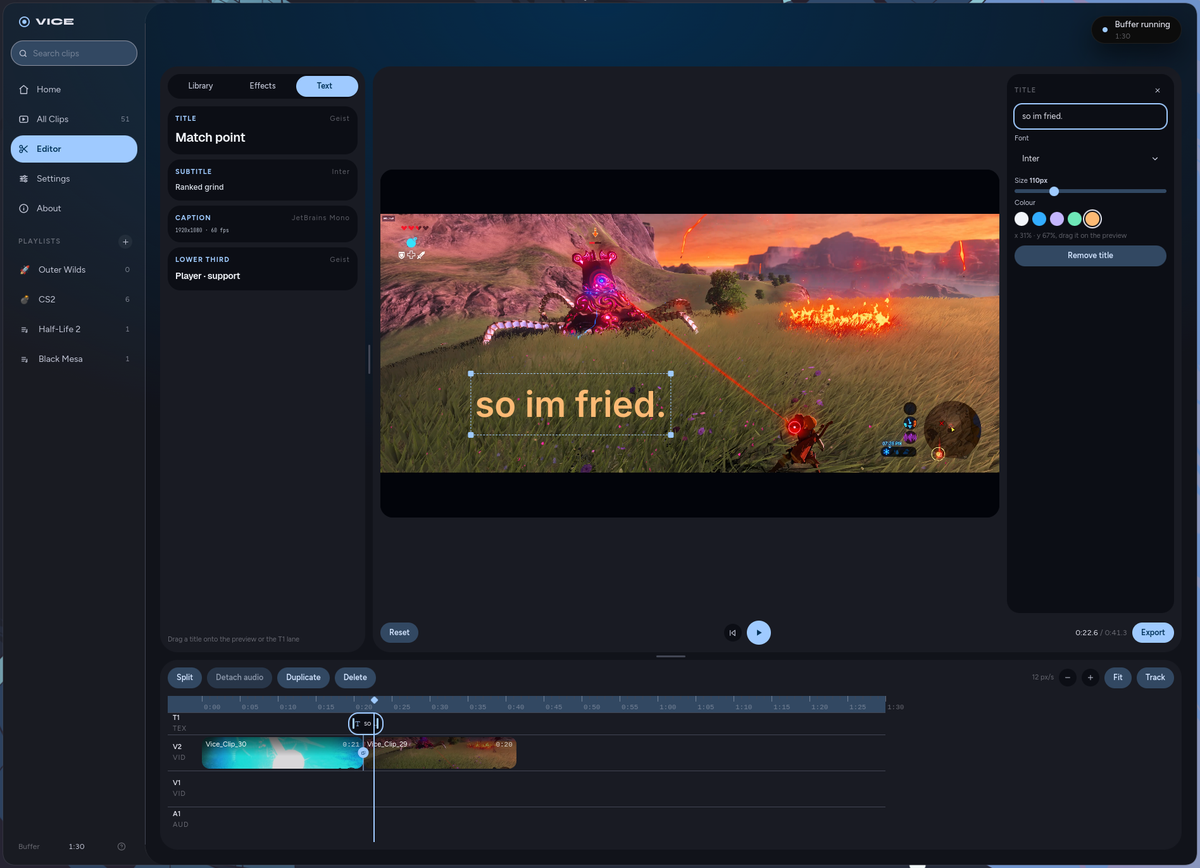
The Vice trim view: a Rocket League clip with draggable in and out handles

How it works

From play to clip in one tap.

Always rolling

A two minute buffer runs silently at the driver level. Nothing touches your disk until you ask.

F9

Press F9

The play happens, you tap one key. No alt-tab, no focus stealing, in any game on any compositor.

New clip saved!

Already saved

The last 15 seconds land in your gallery before the round ends. Game-tagged and ready to share.

<1% CPU while recording
60fps Capture, up to 4K
0scenes To configure. Ever.

Features

Small app. Sharp details.

Sessions and highlights

Double-tap F9 to record a whole match. Tap once mid-game to drop a color-coded marker on the timeline.

Make it yours

Five accent colors, one electric default. The whole UI follows.

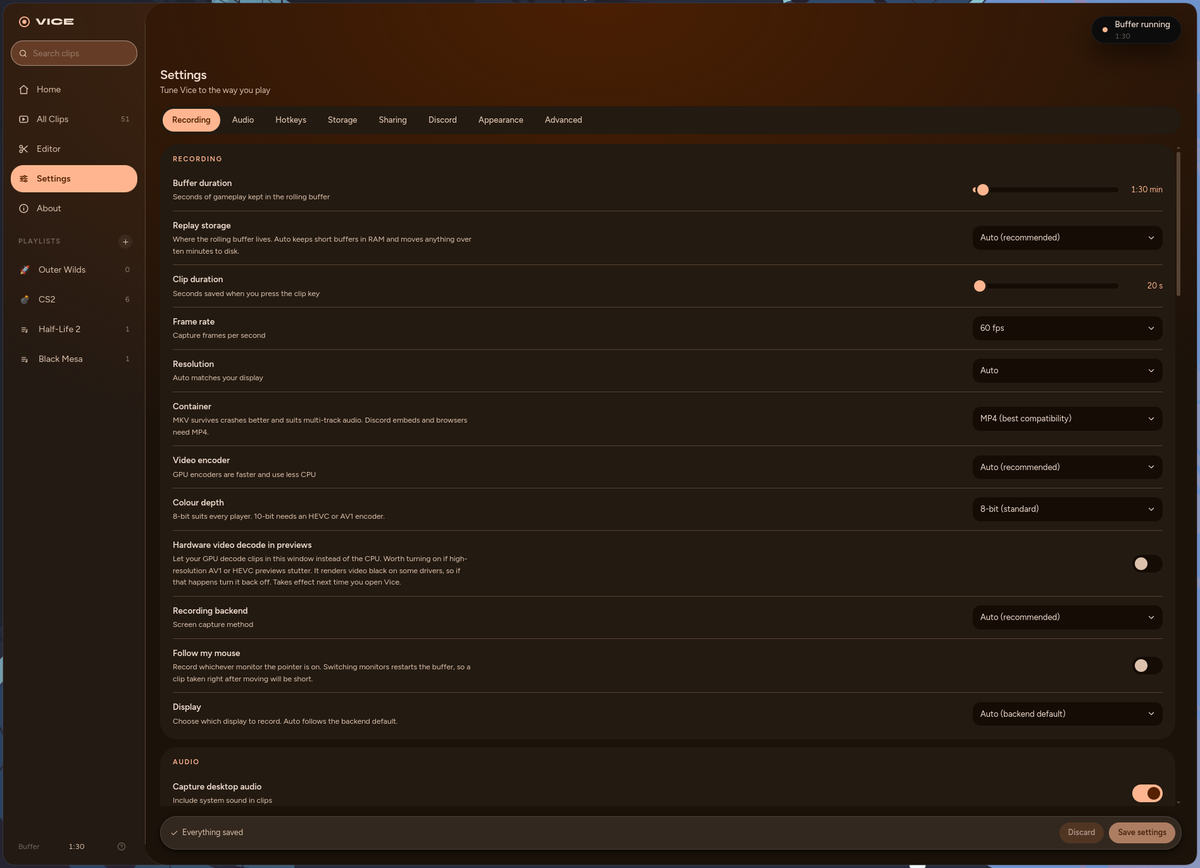
The accent color picker in Vice settings

Game-tagged filenames

A curated game list names your clips. Nothing is guessed from window titles.

~/Videos/Vice/Vice_Clip_4_Overwatch-2.mp4

Separate audio tracks

Game, voice chat, and microphone each on their own track for the edit.

A real CLI

The daemon answers to the terminal too. Script it, bind it, systemd it.

$ vice clip
Saved Vice_Clip_41_Overwatch-2.mp4
$

Discord Rich Presence

Shows "Clipping <Game> with Vice" while a recognized game is focused. Off in one toggle.

The Discord Rich Presence toggle in Vice settings

Works everywhere you do.

Hotkeys are read from /dev/input via evdev, so the clip key works on every compositor with no keybind config.

Hyprland GNOME KDE Plasma sway Any X11 WM NVIDIA NVENC AMD & Intel VAAPI x264 fallback

Inside the app

A gallery that feels familiar.

Hover previews, in-place rename, share, and visual trim with lossless cut bounds.

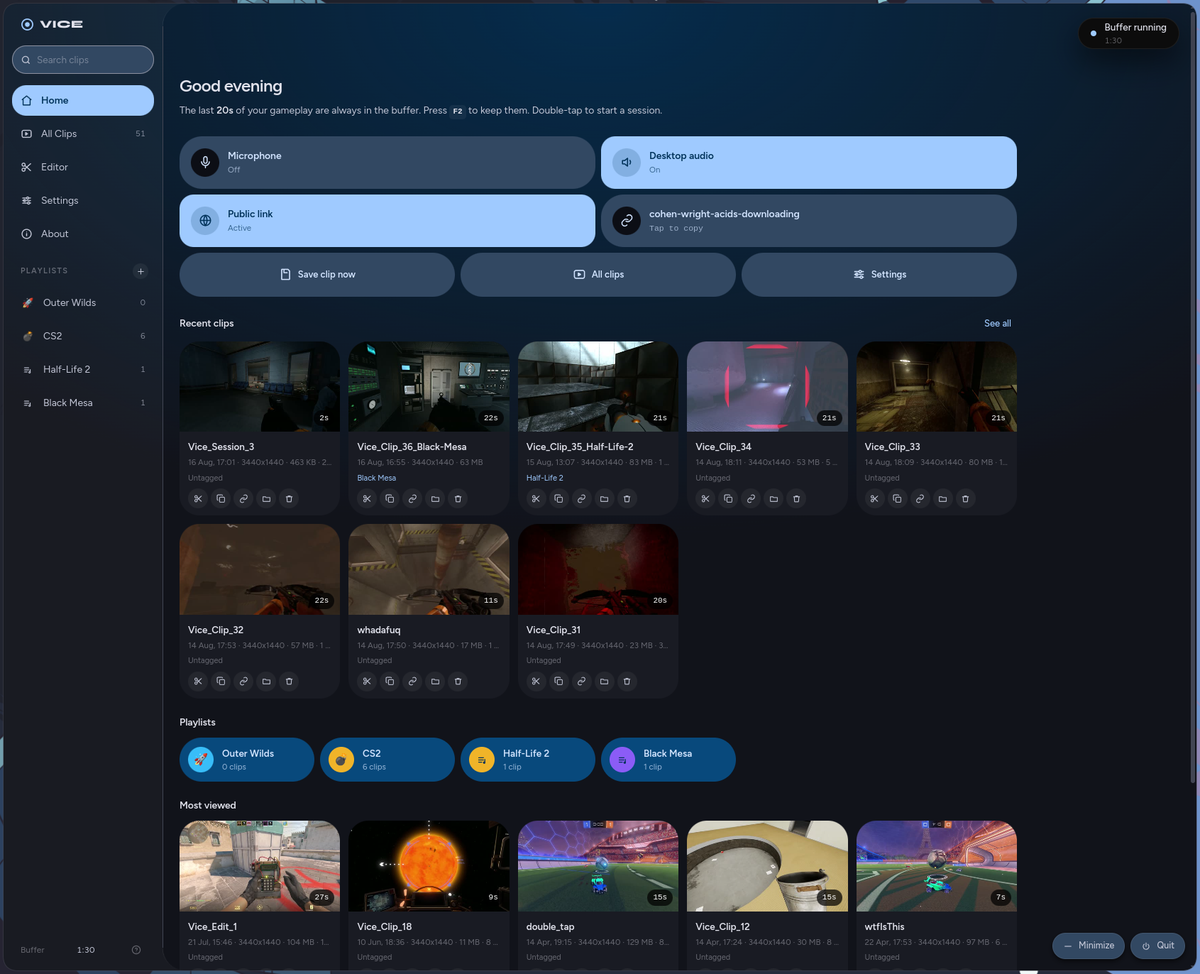
The Vice dashboard with a live rolling buffer, clip stats, and recent clips
HomeBuffer status, stats, recent clips.
The Vice clip gallery, a grid of game clips with play, trim, rename, share, and delete actions
GalleryEvery clip, one grid.
A session recording open in the Vice viewer with highlight markers on the timeline
SessionsEvery marker on the timeline.
The Vice clip viewer with playback controls and highlight list
ViewerScrub, mark, replay.

Compare

OBS has a replay buffer. This is different.

OBS is a studio. Vice is a reflex.

OBS Replay Buffer
Vice
Setup
Launch OBS, build a scene, enable the buffer, bind a hotkey
Install, press F9
Always on
OBS must stay open with a scene active
Silent daemon, always watching
GPU overhead
Encodes a composed scene continuously
Captures the framebuffer directly. Near zero.
Global hotkey
Needs focus, or a plugin
Reads evdev. Works on every compositor.
Sharing
Manual upload somewhere
Public URL, Discord auto-embed
Clip management
None
Gallery, viewer, trim, highlights, rename

Press F9. Keep the moment.

GPL-3.0 · Free forever · No account